
Download OperaCacheView – Opera Browser, Cache, Browser Cache, Cache Viewer, Cached Items, Cached Images, Flash Animations, Search Cache, Opera Cache Viewer, HTML Export, URL Access, Clipboard Copy, Sorting Options, Free Tool
Overview
OperaCacheView is a specialized utility developed by NirSoft for users of the Opera browser, designed to provide full visibility into the browser’s cached content. This free application enables users to search, browse, and organize cached elements such as images, flash animations, and other web resources stored locally by the browser. While not intended for daily use, OperaCacheView serves a critical role in retrieving specific content that may have been lost or difficult to locate through standard browsing methods. It is particularly useful for web developers, digital archivists, or anyone needing to recover or analyze cached data from past browsing sessions.
The app operates as a lightweight, standalone tool that does not require installation, making it accessible and easy to deploy across various Windows environments. Its primary function is to decode and display the internal cache database of Opera, offering a structured and searchable interface. This capability is especially valuable when users need to recover a specific image or animation from a previously visited website without re-navigating the entire site. Although the developer did not provide additional technical details about its backend processes, the tool’s consistent performance since its initial release in 2009 indicates reliability and stability.
OperaCacheView fits into a niche but essential segment of the software ecosystem—browser cache management. It complements the Opera browser by extending its functionality beyond standard browsing, offering users a level of control over stored data that is otherwise inaccessible through the browser’s built-in tools. The application remains relevant due to its simplicity, efficiency, and the enduring need to retrieve cached content, even in modern web environments.
Key Features & Functionality
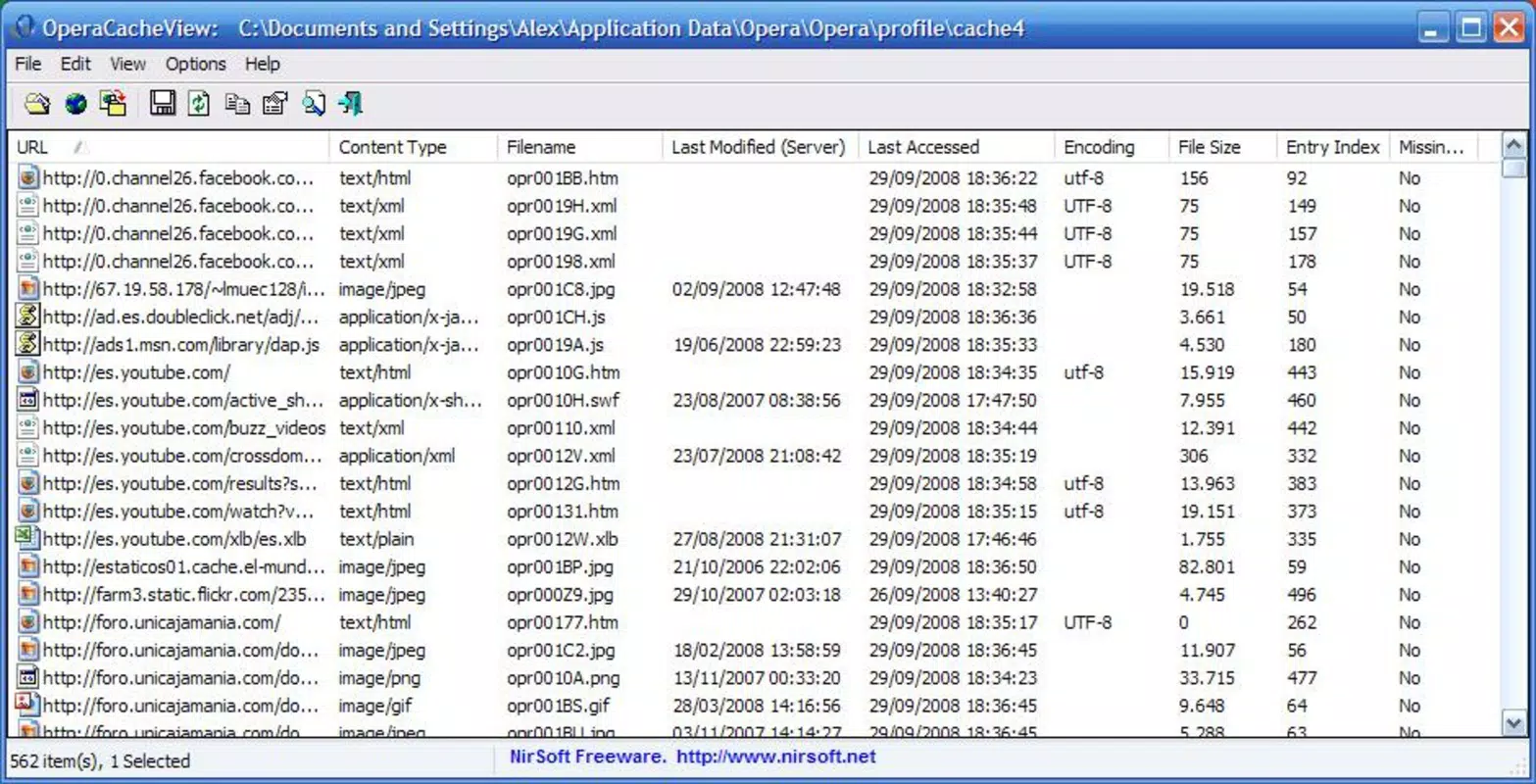
- Comprehensive Cache Overview: OperaCacheView presents a full list of all cached items stored by the Opera browser, including file types such as images, flash animations, and other web resources. This detailed view allows users to quickly identify and locate specific content without manually searching through browser folders.
- Advanced Sorting Options: The tool supports sorting cached elements by various parameters such as file name, URL, size, and date. This feature streamlines navigation through large collections of cached data, enabling users to filter results based on their specific needs—whether it’s finding the most recently cached item or locating a file by size.
- Easy URL Access: Users can open any cached URL directly within the Opera browser with a single click. This functionality eliminates the need to retrace browsing history or manually reconstruct URLs, significantly improving efficiency when retrieving content.
- Clipboard Support: The application allows users to copy the URL of any cached item to the Windows clipboard with minimal effort. This feature is ideal for sharing links with others, saving them in notes, or creating bookmarks for future reference.
- Export Options: OperaCacheView enables users to export a full or partial list of cached items in HTML format. This is particularly beneficial for users who need to analyze, archive, or share their cache data with others, offering a structured and readable output that can be opened in any web browser.
These features are especially useful in real-world scenarios such as recovering a lost image from a news article, retrieving a flash animation used in a past project, or auditing cached content for digital preservation. The tool’s ability to convert raw cache data into accessible, actionable information makes it a valuable asset for both casual and technical users.
Interface, UX & Performance
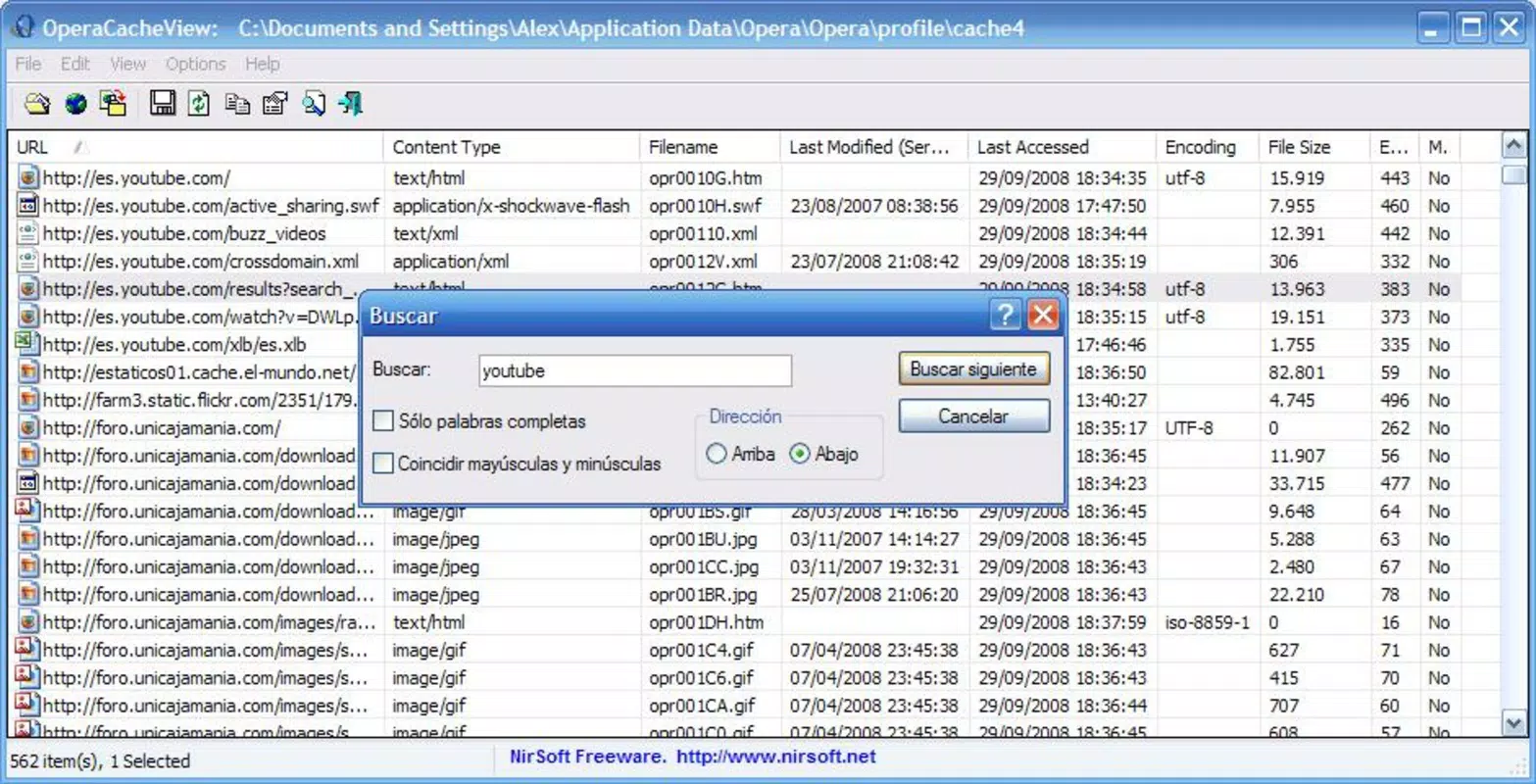
OperaCacheView features a minimalistic, text-based interface that prioritizes functionality over visual flair. The layout is straightforward, with a clear table displaying key details of each cached item, including URL, file name, size, and date. Navigation is intuitive, relying on standard Windows interaction patterns—clicking on entries, using the context menu, and leveraging keyboard shortcuts for common actions.
Although the developer did not list formal performance metrics, the application operates efficiently on a wide range of Windows systems. Its small file size of 220 KB ensures rapid loading and minimal resource consumption, making it suitable for use on older or low-spec machines. The tool responds quickly to user inputs, with no noticeable lag during sorting, filtering, or export operations.
Stability is a notable strength. Since its release in 2009, OperaCacheView has maintained consistent performance across multiple Windows versions. The lack of a graphical-heavy design contributes to its reliability and low crash rate. Users can expect a smooth experience when browsing large cache databases, even on systems with limited memory. The absence of background processes or startup delays further enhances its usability as a on-demand utility.
Platform Compatibility & Technical Requirements
OperaCacheView is designed for the Windows platform and is compatible with various versions of the Windows operating system. The application is available in a portable format, meaning it does not require installation and can be run directly from a USB drive or local folder. The current version is 1.05, with a file size of 220 KB, making it highly accessible for users with limited storage or bandwidth.
The developer did not specify minimum OS requirements or compatibility details for newer Windows versions. However, its long-standing presence in the software ecosystem suggests broad compatibility, including support for Windows 7, 8, 10, and 11. Users are advised to test the application on their system to confirm functionality, especially in sandboxed or restricted environments.
Compatibility with the Opera browser is assumed, as the tool is designed to read the browser’s cache database. Specific versions of Opera are not listed, but the tool has been known to work with both legacy and modern iterations of the browser, provided the cache format remains consistent.
Pros and Cons
Pros
- Free to download and use with no hidden costs or ads.
- Lightweight and portable—no installation required.
- Efficiently retrieves and displays cached browser content.
- Supports sorting, URL access, clipboard copy, and HTML export.
- Stable and reliable performance since 2009.
Cons
- Only available for Windows—no support for macOS or Linux.
- Interface is basic and not visually modern.
- Not designed for regular use; limited audience.
- Developer did not provide detailed system requirements.
- May not support future Opera cache formats if changes occur.
FAQ
Is OperaCacheView safe to download and use?
Yes, OperaCacheView is developed by NirSoft, a reputable software publisher known for creating reliable, secure utilities. The tool is free of malware and does not require installation, reducing the risk of unintended system changes.
Can I use OperaCacheView on Windows 11?
While the developer did not specify compatibility with Windows 11, the application has been used successfully on newer Windows versions due to its lightweight and portable nature. Users are encouraged to test it on their system.
Does OperaCacheView work with all versions of Opera?
OperaCacheView is designed to read the cache database of the Opera browser. While it works with many versions, compatibility may vary depending on changes in the cache file structure. The tool has been functional across multiple Opera releases since 2009.
How do I export cached data from OperaCacheView?
Users can export a full or partial list of cached items by selecting the desired entries and choosing the HTML export option. The output is saved as a standard HTML file, which can be opened in any web browser.
Is OperaCacheView updated regularly?
OperaCacheView has not seen frequent updates since its initial release in 2009. However, its core functionality remains stable and effective. The developer has not announced plans for major updates, but the tool continues to serve its purpose without issues.
Final Thoughts
OperaCacheView stands as a dependable, no-frills utility for users who need to access and manage cached content from the Opera browser. While it’s not a tool for everyday browsing, its ability to retrieve lost images, animations, or URLs makes it invaluable in specific scenarios. The combination of advanced sorting, direct URL access, clipboard integration, and HTML export delivers a powerful yet simple experience.
For developers, researchers, and digital archivists, this tool offers a rare level of insight into browser cache data. Its lightweight design, portability, and long-standing reliability make it a trusted choice in a niche but important category of software. Although the interface lacks modern polish and the platform support is limited to Windows, the value it provides justifies its continued use.
Download OperaCacheView now


